
AI Worksheet Generator for Teachers
Worksheets that look like you made them. On your best day.
Start with a topic and grade, or build from a lesson you already have. CARL’s worksheet generator drafts student pages and a facilitator guide you can edit and print.
Free to start. No student names, no personal student data.
Three worksheets, three subjects.
Each one is a CARL draft with its facilitator guide. Pick a tab, then scroll inside it to read the guide after the student pages.
- Grade 5 math: Comparing Fractions in Our Daily Lives
- Grade 3/4 science: Erosion Investigation, Soil vs. Sand
- Grade 4 English: The Case of the Missing Lunch, a context clue detective
Loading preview
The document appears here in a moment, scrollable and ready to print.
From a topic to a printed page.
Three steps, and every one of them stays editable.
- Step 1
Start from a topic or a lesson.
Give CARL a topic and grade, or build from a lesson you already planned. Type /worksheet on Start planning, or choose Worksheet in Tools.
- Step 2
Edit anything.
Change blocks yourself, or ask CARL in plain words. Choose Selected section to edit one part and leave the rest alone.
- Step 3
Differentiate with the guide.
Every worksheet comes with a facilitator guide: answers, scaffolds, extensions and sentence frames. Keep what fits your class.
The differentiation is in the guide
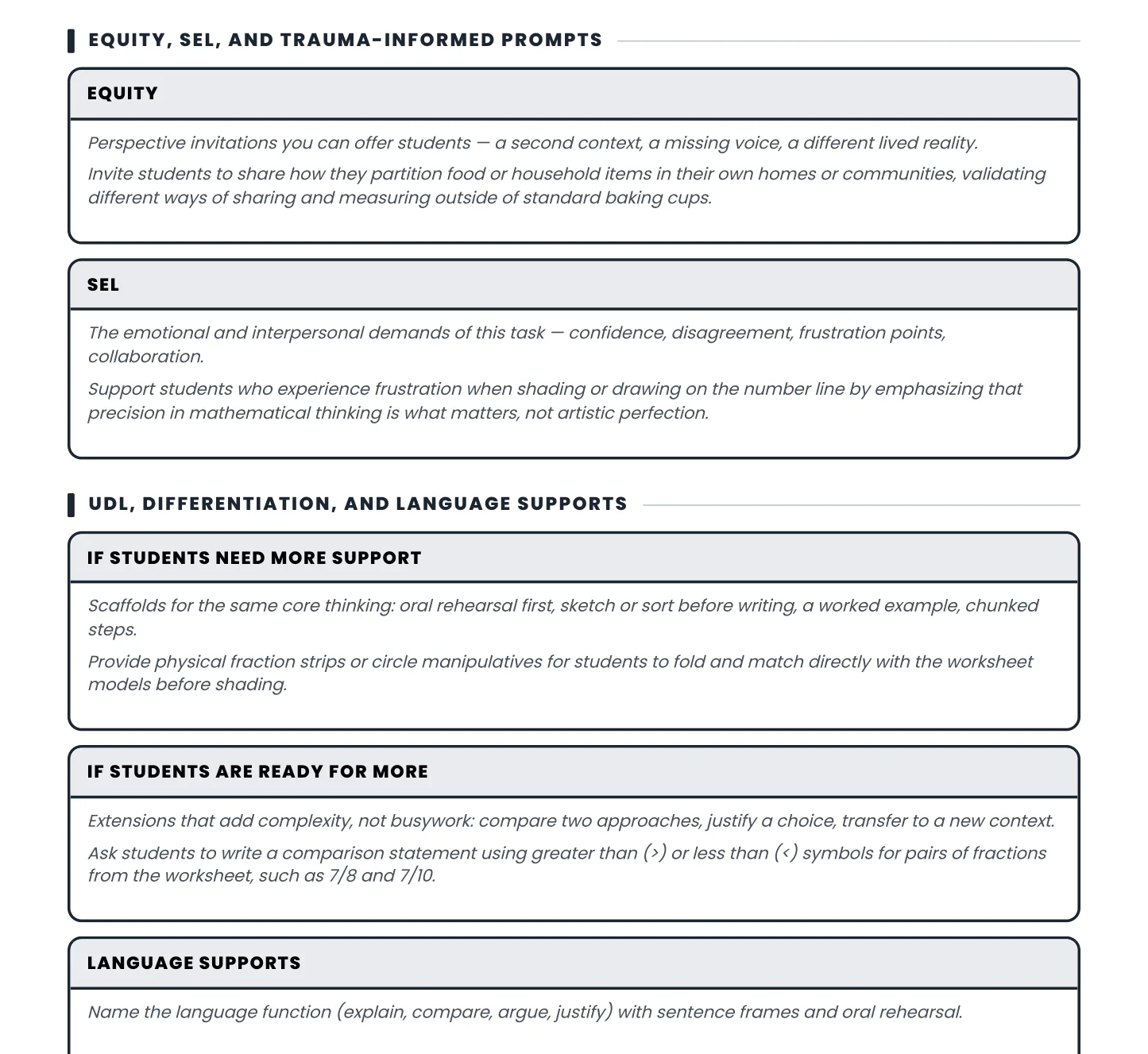
Here’s the honest version: Each worksheet comes with a Facilitator Guide, including an answer key and differentiation suggestions. Review the guide, choose the supports that fit your class, and edit anything you need.
- Scaffolds for the students who need a ramp: oral rehearsal first, sketch or sort before writing, a worked example, chunked steps.
- Extensions for the ones ready to push: compare two approaches, justify a choice, transfer the skill to a new context.
- Language supports: the named language function and sentence frames, so your ELL students have the words to start.
- Misconceptions: the specific wrong turns to watch for, and the move that nudges thinking forward.
Choose a skill. Preview a free worksheet set.
These downloads are ready to print, with student pages and facilitator guidance. Choose by skill and grade, then start a new worksheet in CARL if you need something different.
 Math · Grades 2 to 8
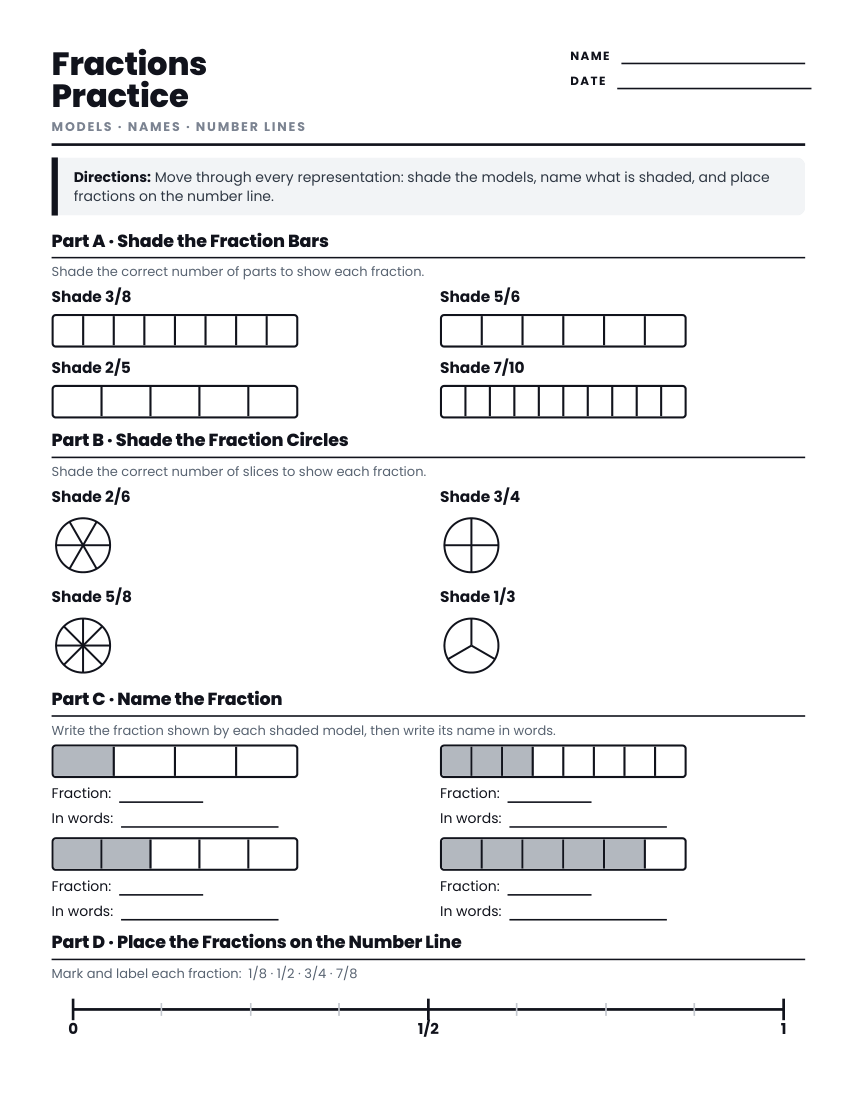
Fractions
Fraction models and naming, number lines or operations. Three grade versions, each with a facilitator guide and answers.Preview the set →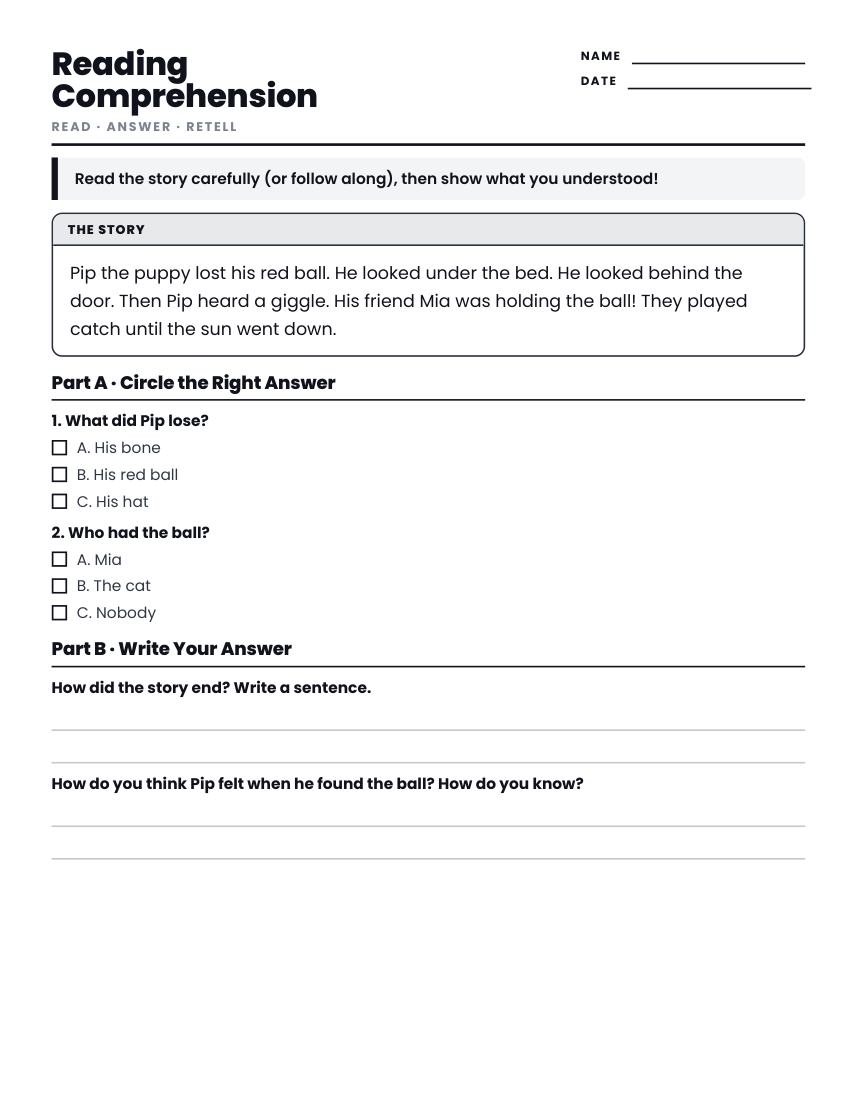 Reading · K to Grade 8
Reading comprehension
Story details, vocabulary and evidence. Four grade versions with student pages and facilitator guidance.Preview the set →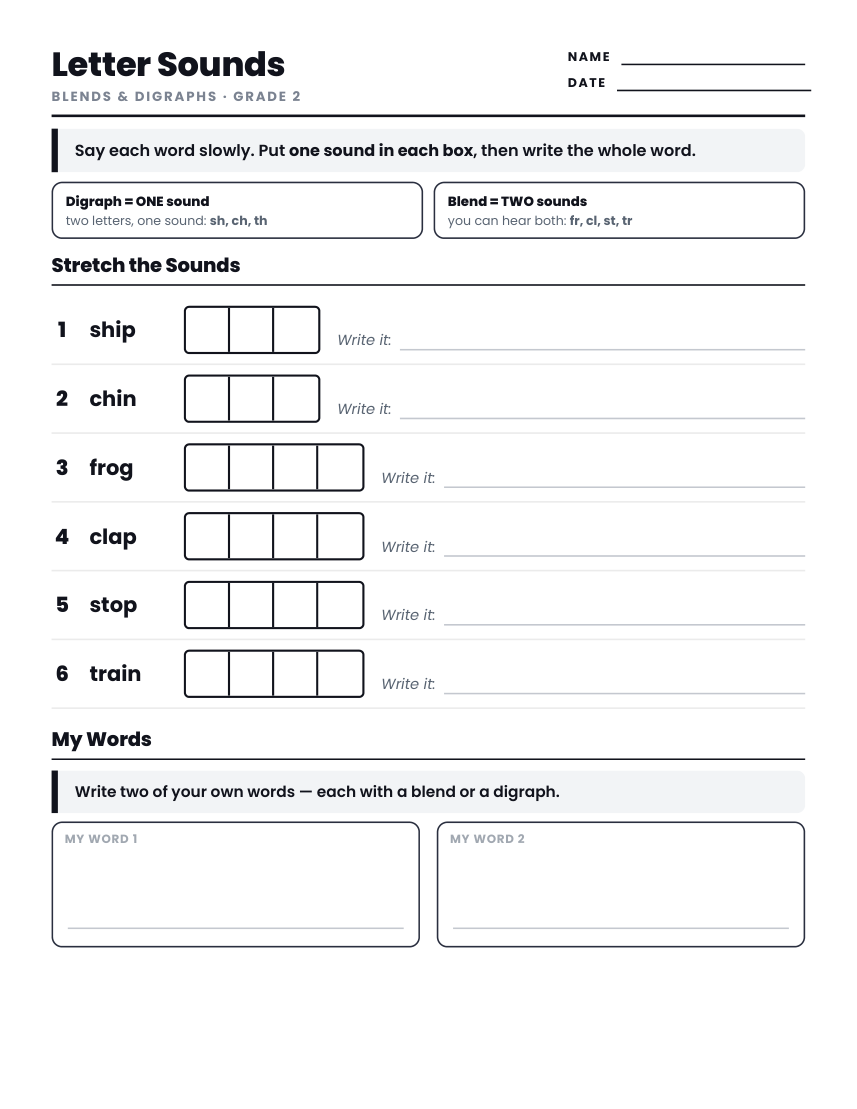 Phonics · K and Grade 2
Phonics and letter sounds
CVC sound boxes, or blends and digraphs. Each PDF has student practice and a facilitator guide.Preview the set →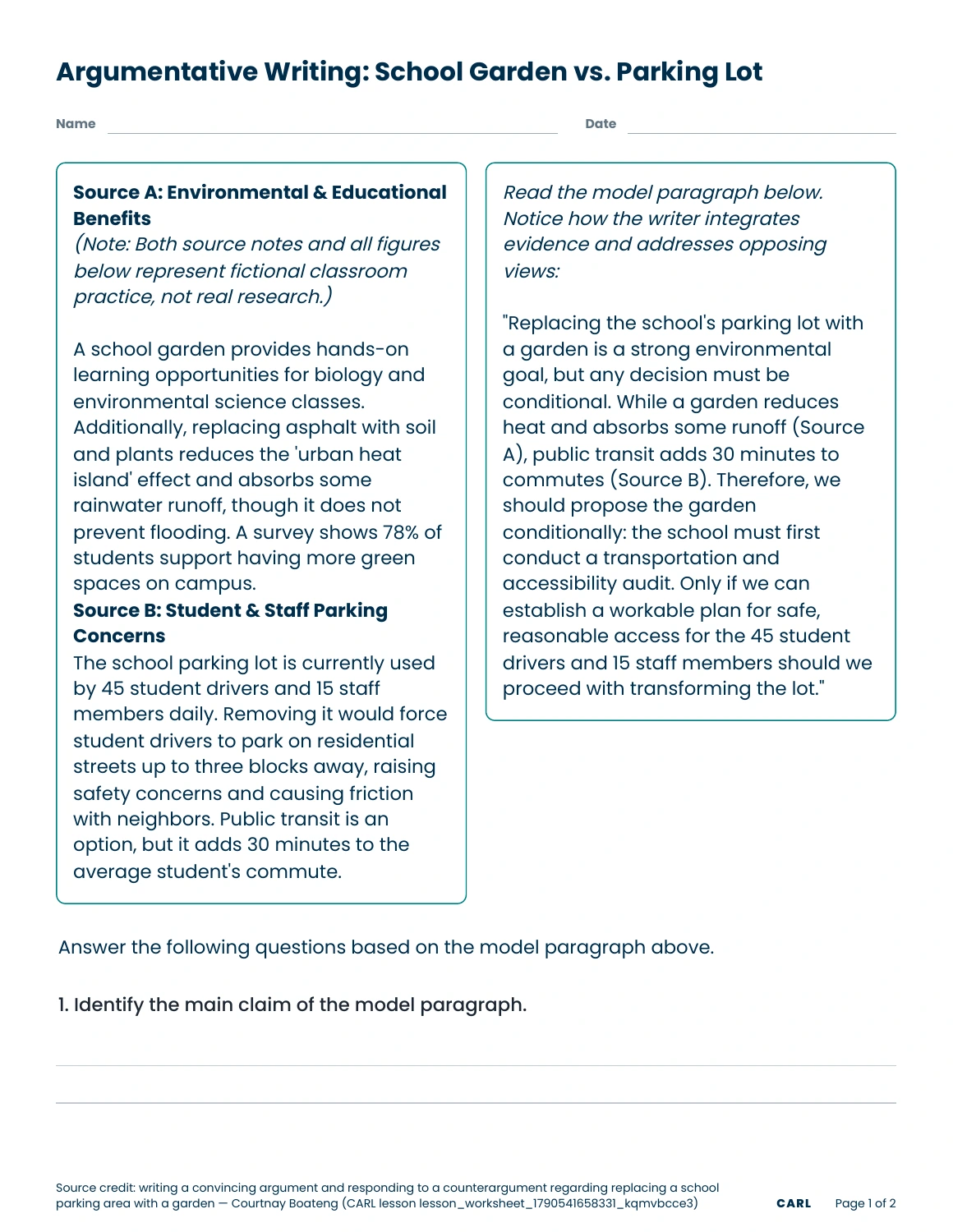 Writing · Grade 9
Argumentative writing
Two sources on a school garden versus a parking lot, then a claim built from evidence. Teacher copy with answers.Preview the set →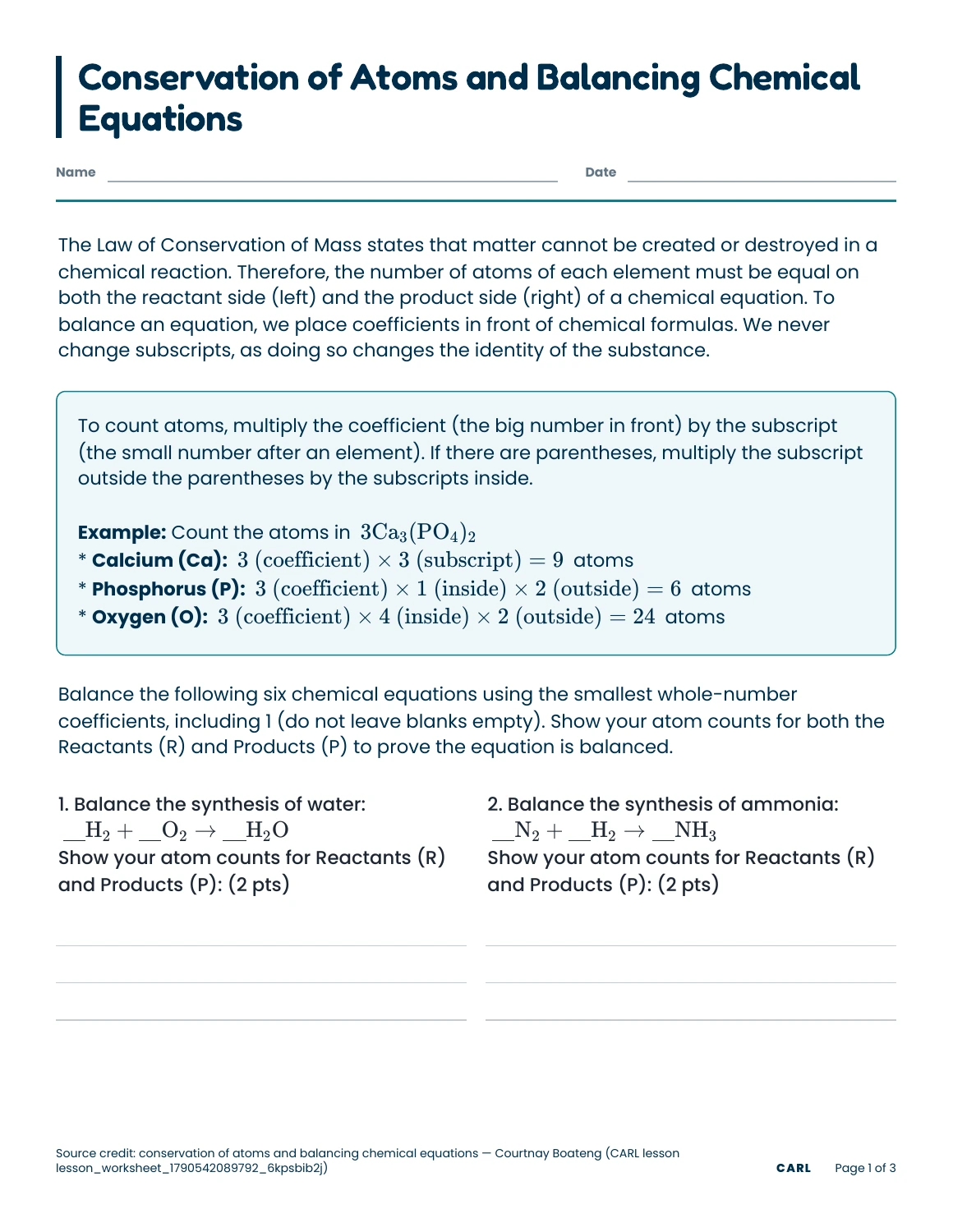 Science · Grade 10
Balancing chemical equations
Count atoms with coefficients and subscripts, then balance equations by conservation of mass. Teacher copy with answers.Preview the set →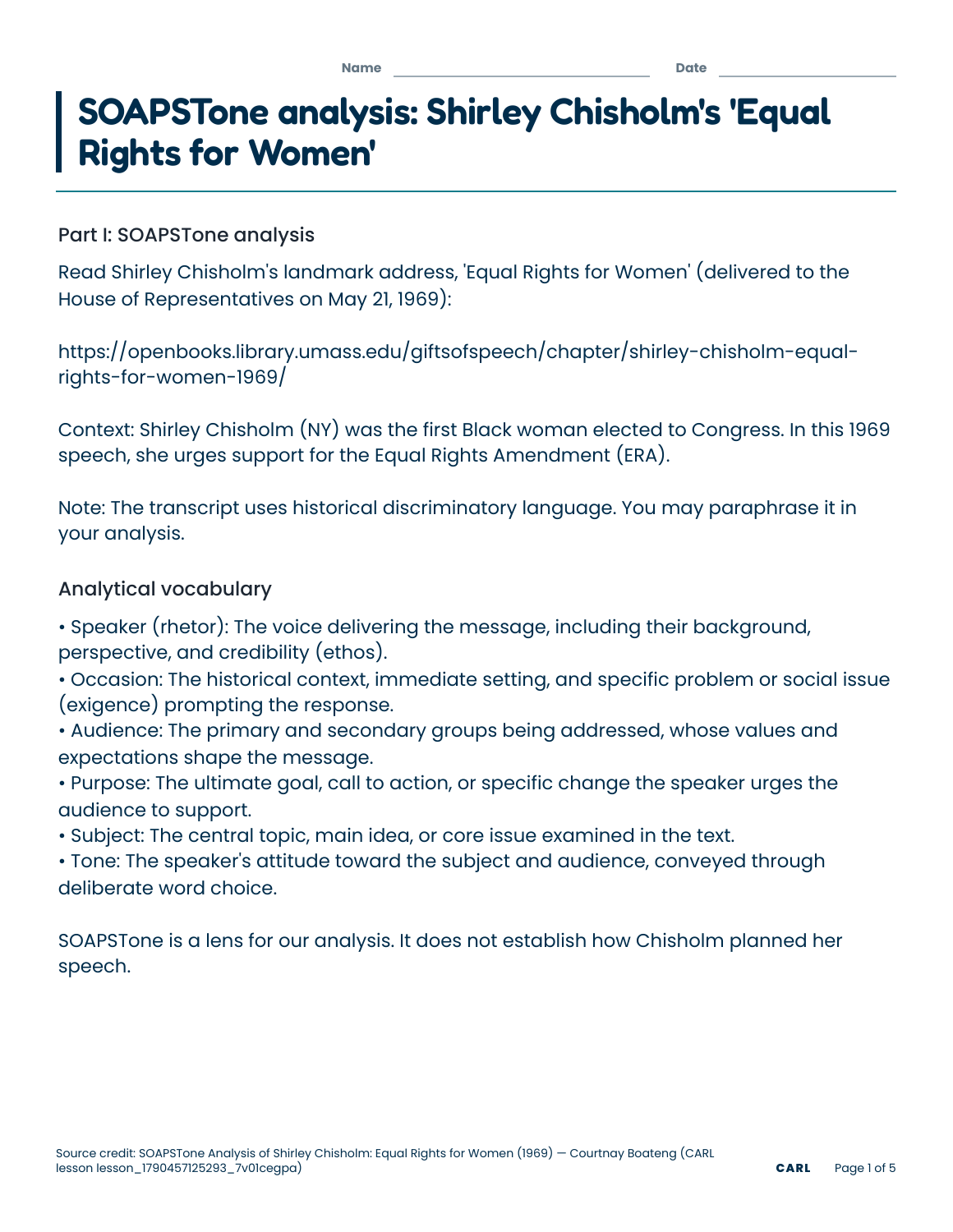 English · Grade 11
SOAPSTone speech analysis
Shirley Chisholm’s 1969 “Equal Rights for Women” address, with the transcript linked. Teacher copy with answers.Preview the set →Questions teachers ask first.

Your topic or lesson. Your next worksheet.
Start a new worksheet from your topic, or build one from a lesson. Review, edit and print when it fits your class.