
Scope and sequence: what you’ll teach, and when.
You know the drill: scope is the what, sequence is the when. The template version is a beautiful August artifact that stops matching reality around Thanksgiving. Compass keeps scope and sequence living, because it’s built from your actual plans.
See an example planning grid ↓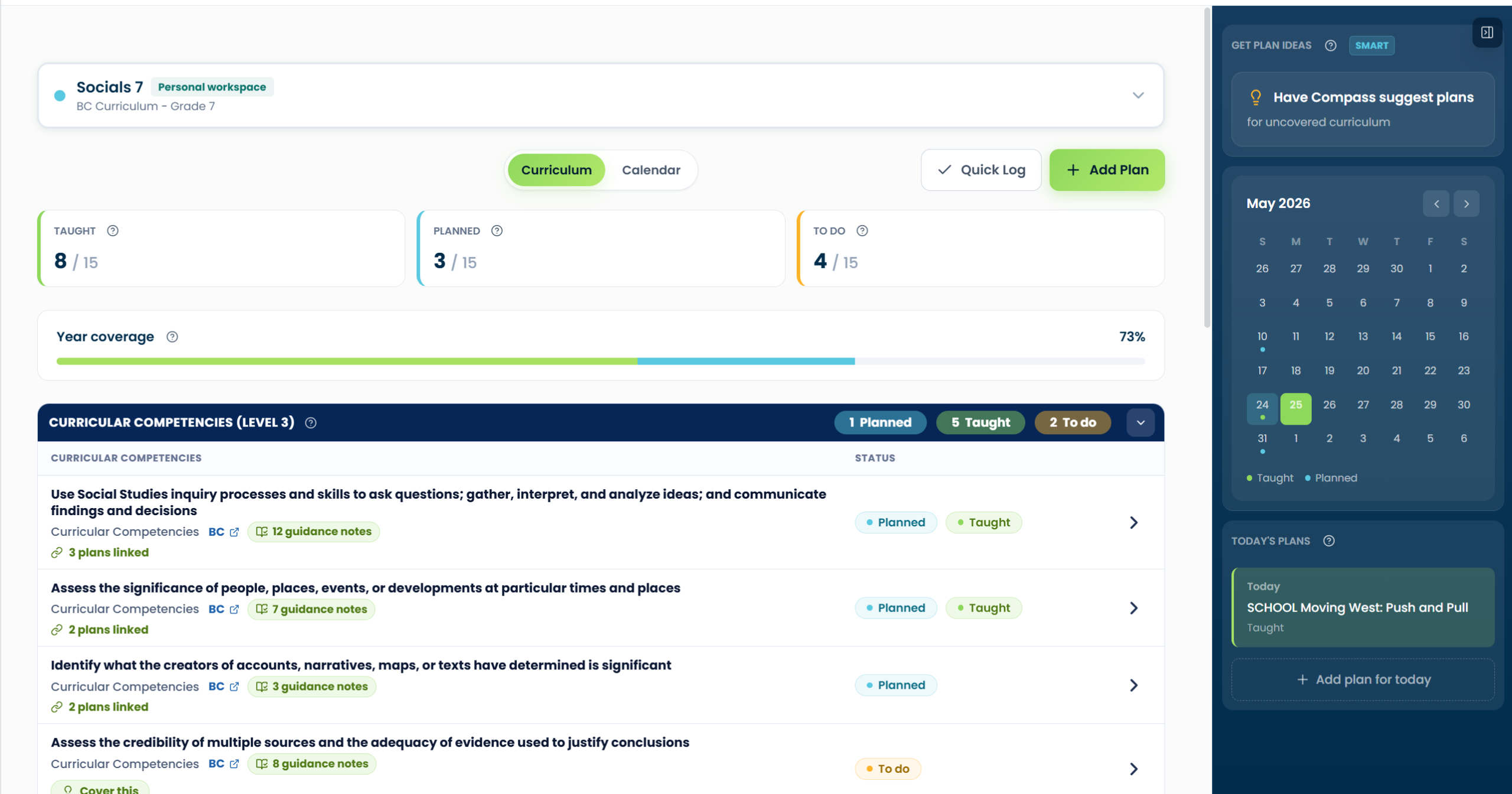
A scope-and-sequence grid you can build from
A simple structure for your own plan: time, topic, learning focus and status. This is an illustrative planning grid, not an official curriculum map or a Compass export. Replace the learning focus with the outcomes from your own course.
| Time | Topic and focus | Activity / evidence | Status |
|---|---|---|---|
| Week 1 | Observe and describe properties | Sort familiar materials; keep labeled observations | Taught |
| Week 2 | Compare materials using the same test | Plan a comparison and record results | Planned |
| Week 3 | Use observations to explain a choice | Choose a material for a purpose and explain why | To plan |
When the week changes: move the planned comparison to its new date. Keep the observation work marked taught; rescheduling a plan does not mean it has been taught.
Scope: the what, loaded for you
Choose your supported curriculum and class in Compass, then use its organized outcomes to see what needs planning. Check the course and curriculum version you need before building out the year. Explore curriculum mapping.
Sequence: the when, kept honest
As you schedule and teach, the sequence writes itself: scheduled plans count as Planned, completed plans count as Taught. When reality rearranges October (it will), the sequence follows reality instead of shaming you from a laminated binder page. And if you fall behind, no problem: Compass Plus gently checks whether you taught a scheduled lesson whose date has passed, or whether you’d rather reschedule it. Pacing checks become a glance: what’s taught, what’s scheduled, what still needs attention.
When someone needs it on paper
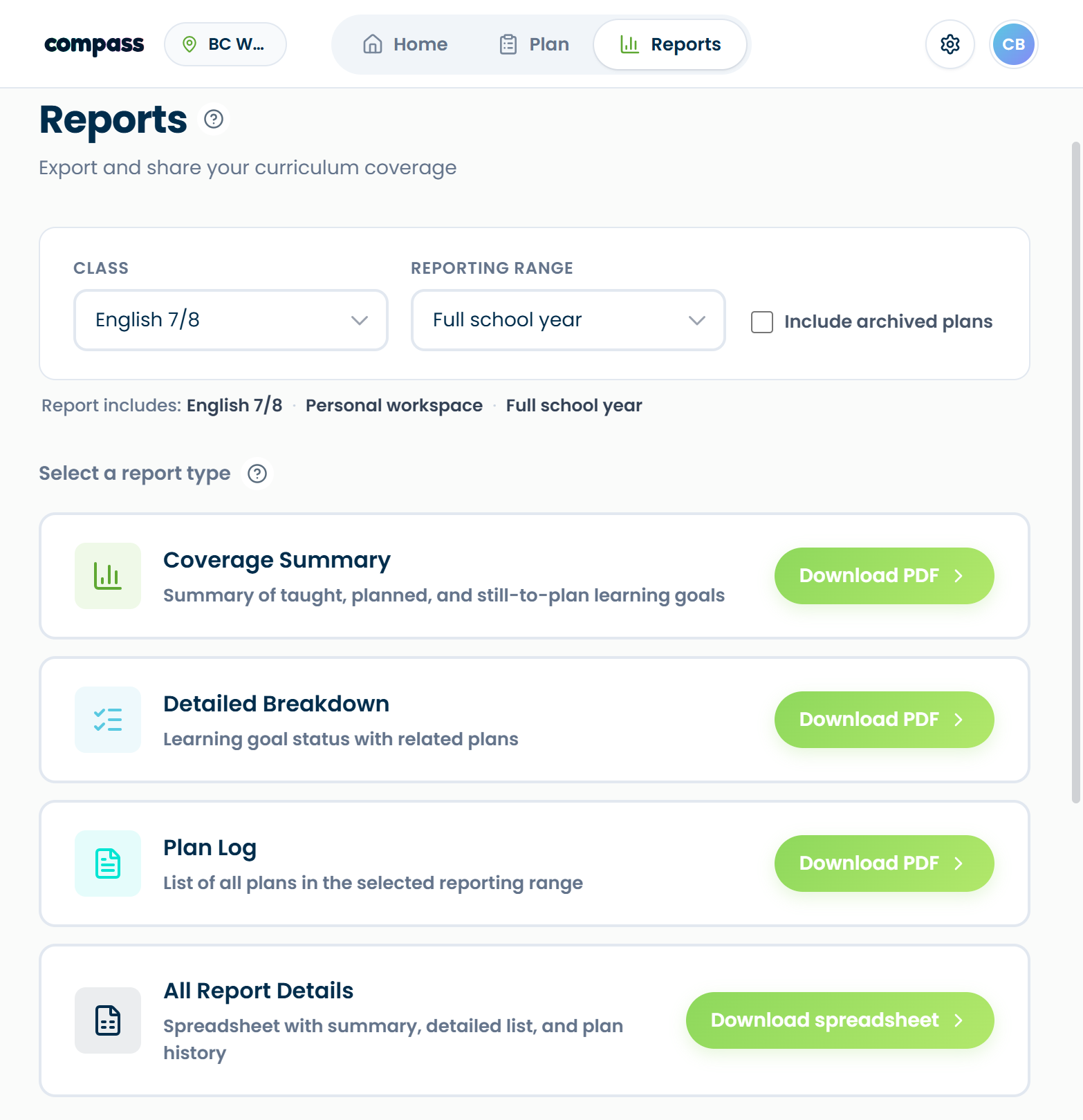
Compass offers coverage summaries by class, curriculum area and reporting range. Use these to review what is planned and taught. The planning grid above shows a sequence; a coverage report answers a different question. See Compass and its reporting tools.
Questions teachers ask first.
Plan the year. Let the year update itself.
