One plan in.
Everything out.
Save your class context once, generate your lesson, then build every worksheet, student handout, and teaching resource right from it. All connected, all in one place, and always yours to edit.
Built-in curriculum modes plus custom curriculum upload
Preview coming soon
A real CARL document will render here, scrollable and ready to print.
Three connected toolsets, one planning flow
Lesson planning, together.
Right now, CARL helps you build from scratch. But every lesson a teacher chooses to share becomes a starting point for someone else. The more the library grows, the less anyone plans alone, or from a blank page.
Start from a shared lesson, adapt it for your class, and republish your version. The original stays untouched.
Keep the lesson, swap in a different worksheet or activity; your additions travel with it.
Every shared lesson tracks who created it and how it’s changed over time, so credit stays visible and good ideas keep moving.
A growing ecosystem of teacher-built lessons, where the best ideas get shared, adapted, and built on, together.
Worksheets you’ll actually print
Preview coming soon
A real CARL document will render here, scrollable and ready to print.
Proper headers, clear directions, clean layout, with content that matches the grade you’re teaching because it generates from your lesson.
Suggested prompts, common misconceptions to watch for, and ideas for supporting or extending students. Starting points you adapt to your class, not instructions to follow.
Every guide offers inclusive prompts and sentence frames you can use when they fit, the same supports woven through the rest of CARL.
Everyone gets to be the hero
 Photoreal
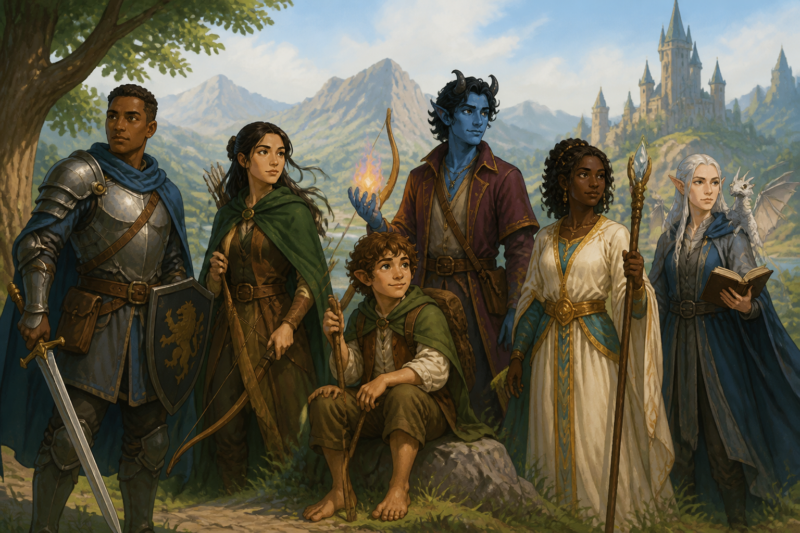 Illustrated
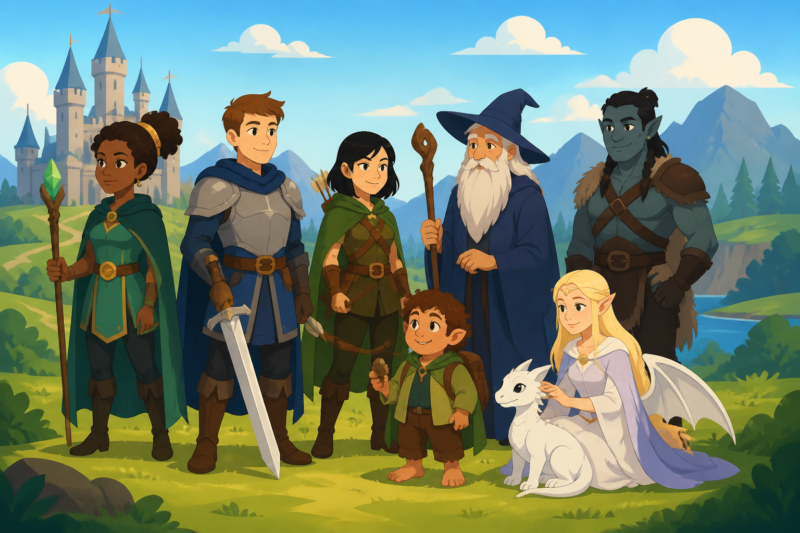 Animated
As always with CARL, you make the final decision for which images reach students.
Values-based guardrails, not empty promises
Teacher review on every output, inclusion guardrails on lessons and images, and clear boundaries built into the design. You make the final call on everything that reaches students.
Plan in CARL. Track in Compass.
Frequently Asked Questions

Fresh thinking on AI & teaching.

Plan a little lighter.
Save your class context once, build a lesson and everything that goes with it, and join a growing community of teachers planning together.