Plan the week.
Know what you’ve covered.


Curriculum coverage shouldn’t live in five different places.
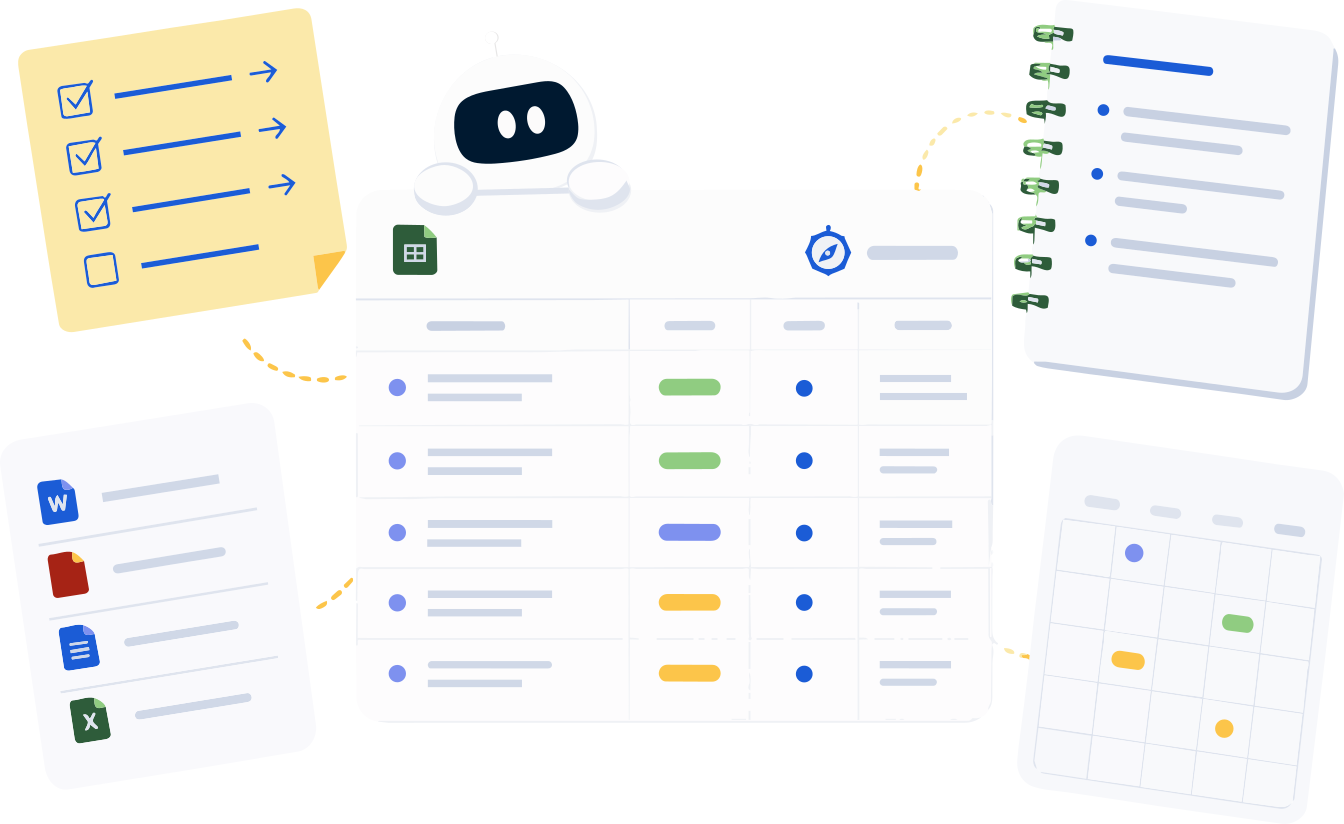
Set it up once, then plan the way you already do.
Your timetable, your plans and your curriculum stay connected, so the record builds while you teach.
- 1Set up your classes and timetable. Pick the curriculum, then add when each class meets.
- 2Plan the lesson your way. Write it, upload it, paste it, or ask Plan with Compass for a sequence.
- 3Teach it, then mark it taught. Confirm what you taught, and your coverage updates.
- 4Use the record when someone asks for it. Reports come straight from what you’ve already confirmed.
All classes
Planning and tracking, in the same place.
Plan on the timetable you really teach.
- Calendar and timetable. Weekly, alternating weeks or a day cycle.
- Four ways to add a plan. Including the plans you already have.
- Plan with Compass. Draft a sequence, then approve what fits.
See what’s covered, class by class.
- Coverage at a glance. To Do, Planned or Taught, outcome by outcome.
- Check-ins and catch-up. Keep the record current, even from October.
- Reports when someone asks. Summaries, plan logs and family notes.
Behind on planning, or behind on tracking?
Introduction to ratios: four-lesson sequence
Help with the next two weeks.
AI can be wrong, sometimes confidently. Every draft is yours to change or throw out.
See Plan with CompassStarted in October? September still counts.
Plan with Compass is included with Compass Plus.
Works from the curriculum you teach.
Need a quick hand?
Set up your class and timetable
Pick the curriculum and the parts that count, then add when you teach.
Start here →Add a plan or log what you taught
Plan what’s coming, or Quick Log what already happened.
Add a plan →Check coverage and pull a report
See To Do, Planned and Taught, then export what you need.
See reports →Common questions

Do I need CARL to use Compass?
No. Compass works on its own. If you use both, you can connect them and send a plan across when you choose. They’re separate apps with separate logins.
What does the free plan include?
Three active classes, one custom curriculum source, the calendar and timetable, the coverage view and the core reports. Plan with Compass, Smart Scan, teaching check-ins, pacing alerts and family summaries come with Compass Plus.
I’m starting partway through the year. Is that a problem?
No. Catch up on the term walks back through the periods since the first day, so you can mark what you taught and the curriculum you covered in one sitting.
Does Plan with Compass decide what I teach?
No. It suggests a sequence and you decide. Drafts sit in a review card until you add them, keep them as notes or dismiss them, and a drafted lesson only counts as planned.
What do To Do, Planned and Taught mean?
To Do is everything you haven’t planned yet. Planned means a lesson on your calendar links to it. Taught means you’ve confirmed you taught it.
Does Compass need student information?
No. Compass tracks curriculum coverage at the class level. No personal student data.
Start with one class and this week’s timetable.
Set up a class, add the periods you teach, and put tomorrow’s lesson on it. Coverage starts filling in from there.